Commander One
 WinSCP alternative for Mac
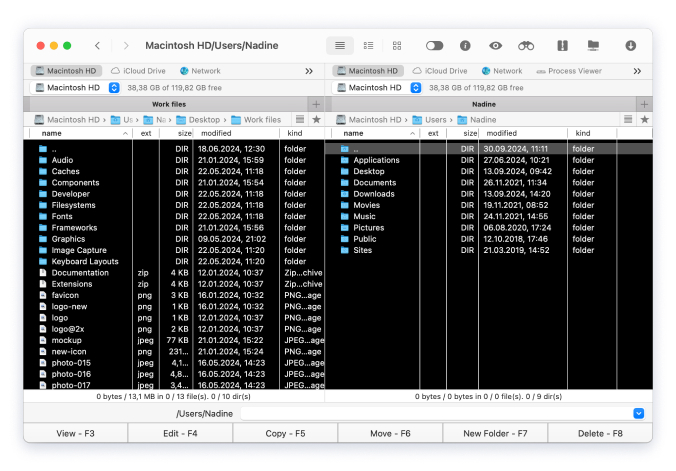
Commander One works as a reliable WinSCP alternative for Mac. It combines file management with support for FTP, SFTP, FTPS, and WebDAV, so there’s no need to rely on separate apps. Everything is organized in a single interface, so connecting to servers, transferring, editing, and managing data stays simple and convenient.

 Optimized for both Apple silicon and Intel

Familiar Two-Panel File Manager
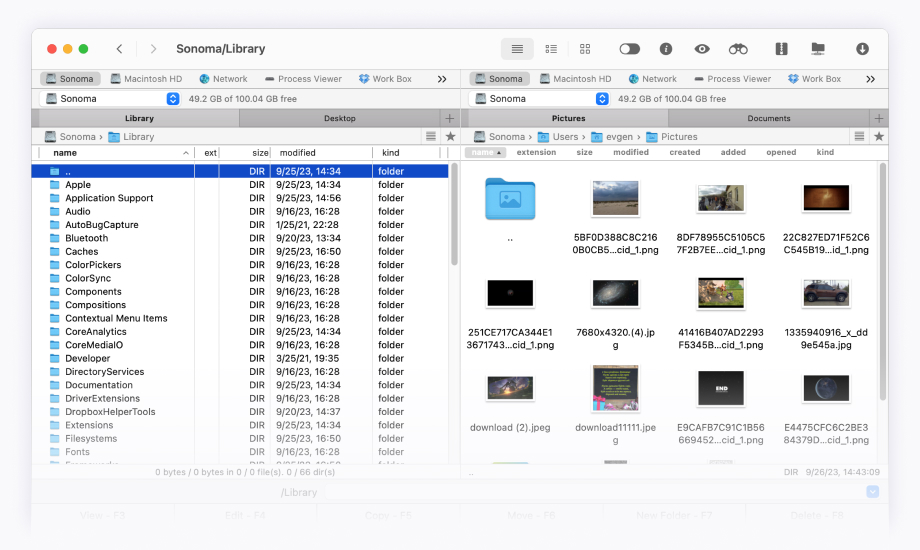
Commander One comes with two panels side by side, which makes moving files easy. You can
see your local folder and a remote folder at the same time. This helps you copy or organize files
quickly without extra clicks. It works well for remote connections and is also a great file manager
for everyday workflow on Mac. For anyone looking for an alternative to WinSCP,
Commander One is simple, familiar, and effective.


- RAR
- 7zip
- ZIP
- TarGz


- Layout
- Hotkeys

- Show hidden files
- Process viewer
- Built-in file viewer
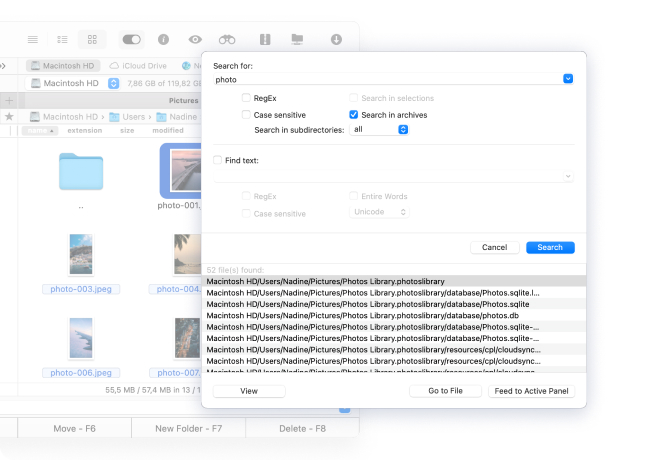
Enhanced search with support for RegExp
Search for files using regular expressions to expand the search criteria and more accurately compose your search query. You can even search inside packed archives, making it easy to find information anywhere.

Search the contents

Search with Spotlight
How to Use a WinSCP Mac Alternative – Commander One
Getting started with this WinSCP for Mac alternative is straightforward, just follow these simple steps:
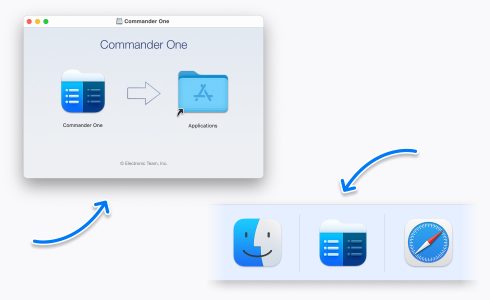
Download, install, and run Commander One.
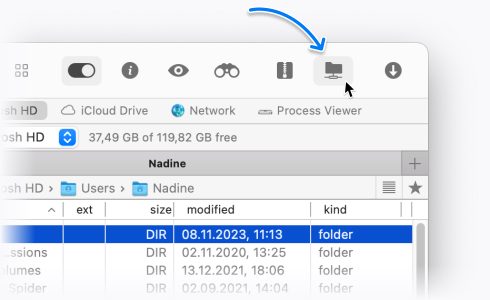
Navigate to the Connections section using the toolbar.
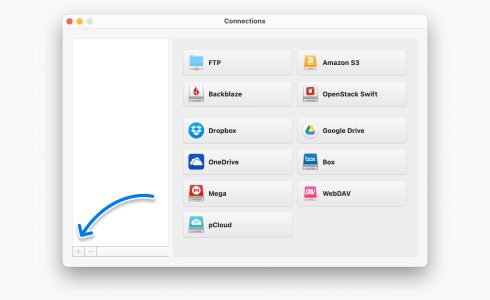
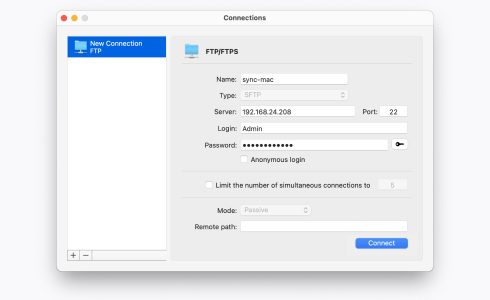
To add a new FTP connection, hit the + button and fill in the text boxes with the required information and server login credentials.
After completing every field, click Connect. Enjoy managing files!
PRO Pack feature list
PRO Pack features of Commander One are available absolutely free of charge for 14 days!
Connection Manager
All of your cloud accounts are within easy reach in Commander One. They can be managed in a fast and reliable manner.

Dropbox

FTP Manager

Google Drive

Amazon S3

OneDrive

Backblaze

OpenStack

Box

MEGA

WebDAV

pCloud
All of your cloud accounts are within easy reach in Commander One. They can be managed in a fast and reliable manner.
Dropbox
FTP Manager
Google Drive
Amazon S3
OneDrive
Backblaze
OpenStack
Box
MEGA
WebDAV
pCloud
File Transferring
- MTP
- iOS
- Android
ZIP, RAR, TBZ, TGZ, 7zip
Built-in process viewer
Terminal Emulator
Available only in the website version.
Mount Devices
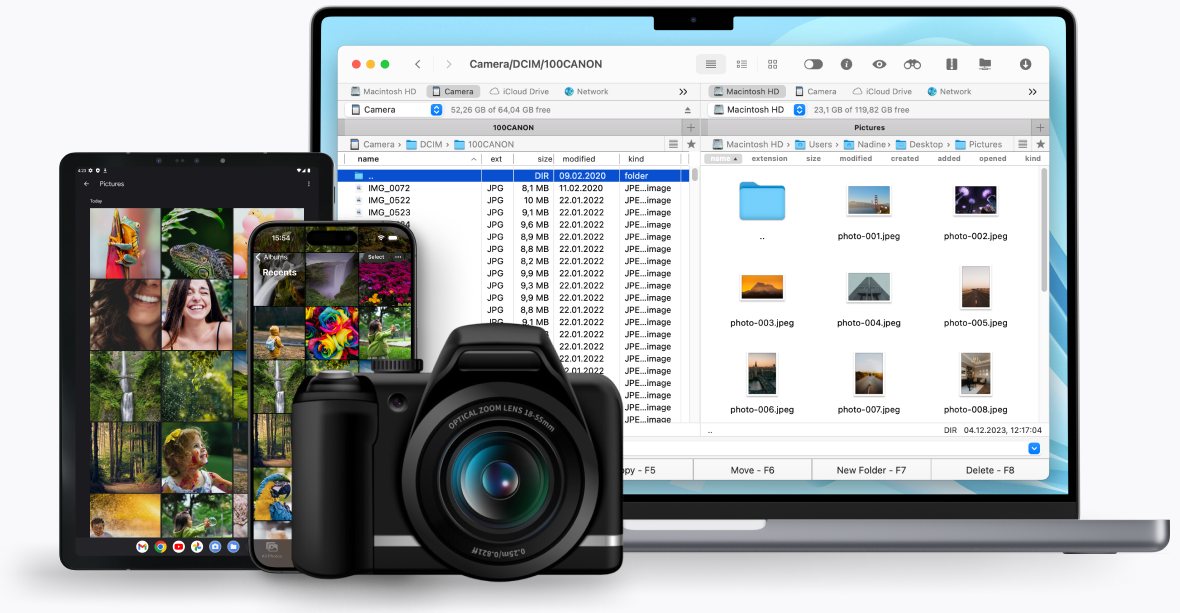
Expand your device access capabilities with this Mac solution. Commander One is one spot to work with different devices, no matter if it is an iOS/Android or even MTP device.

iOS file transfer
Easily mount iOS devices and edit information on them right from your computer. Commander One is fully compatible with iOS 5.x-10.x.

MTP file transfer
By using the USB cable, you can mount your MTP devices as a drive on your Mac. Surf the content of your device right from your Mac’s screen with no need to copy data back and forth.

Android file transfer
Commander One makes it possible to browse through Android device content directly from a Mac computer and, if it is necessary, to copy files back and forth with ease. All you need is to connect your device via a USB cable.
Built-in Process Manager
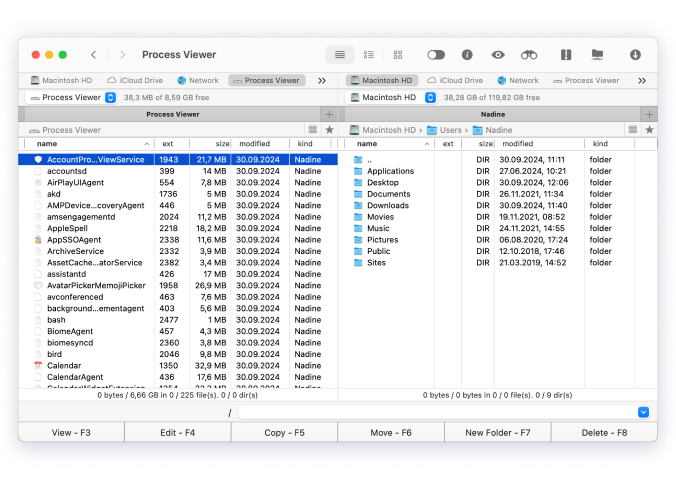
This app has a built-in process manager allowing you to fully control all running tasks.
The detailed information about all processes is displayed in order on your screen with the ability to quit any of them in a single click.
Terminal Emulator
/Fast
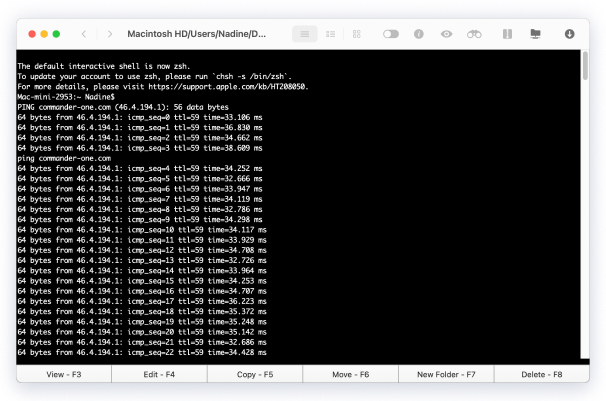
To facilitate your workflow, Commander One allows executing terminal commands directly from the app.
/Advanced <ctrl+o>
Don’t waste time launching Terminal as a separate application – it will be available directly from Commander One.
Uniqueness
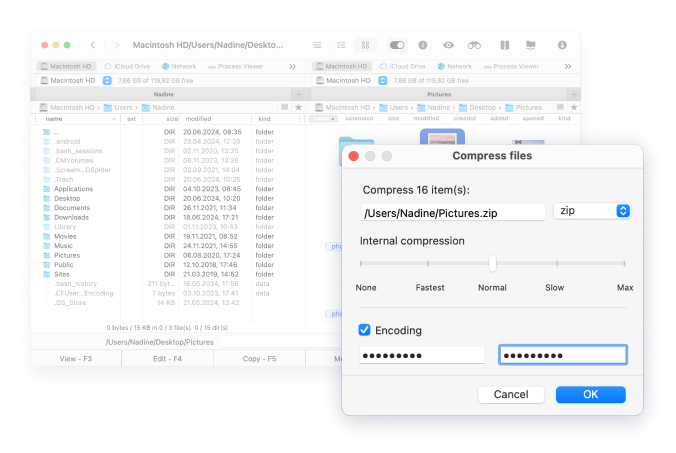
Perfect customization with a wide range of color themes can make the experience of this alternative to WinSCP for Mac much more enjoyable.